Tasks
MyRA’s own task list — not your calendar, not any other program, and nothing written here appears anywhere else.
Adding one
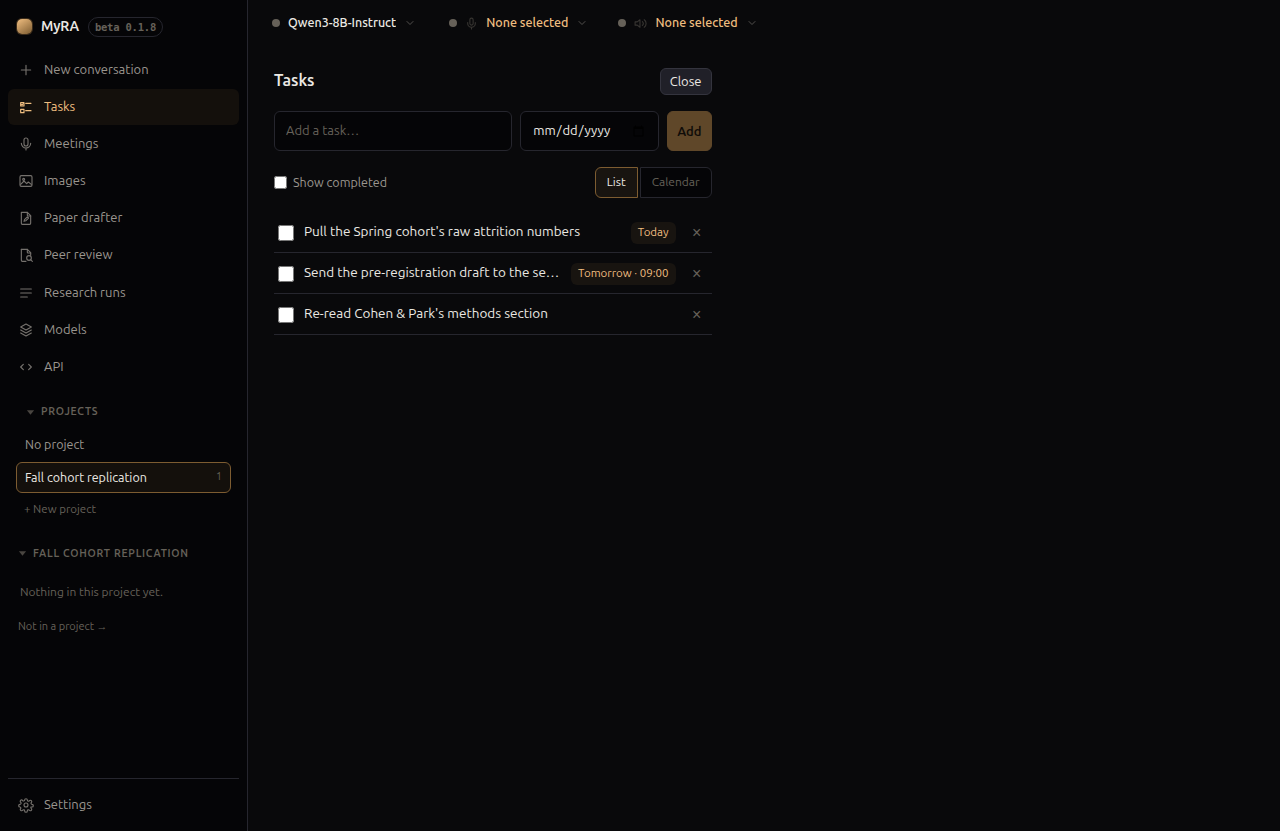
Most tasks here aren’t expected to be typed in at all: “MyRA, remind me to follow up with my supervisor on Friday” is the normal way one gets made, using the same tools the model has for reading and completing tasks back. Tasks in the left rail is where you come to see the result, fix a wrong guess, or add something by hand when you’d rather not talk — one field for the title, an optional due date, and, once a date is set, an optional time to get a reminder.
List and calendar
Switch between a plain list and a month calendar. Tick Show completed to see what’s already done rather than hide it. A task with no due date doesn’t appear on the calendar — the list view says so, and is where those tasks live.
Undoing
Ticking a task off is never final — untick it from the list, or from its cell on the calendar, to reopen it.