Research
Research has its own ladder of modes, from a plain chat with no search at all up to a full literature-review pipeline. Pick one from the bar under the message box:
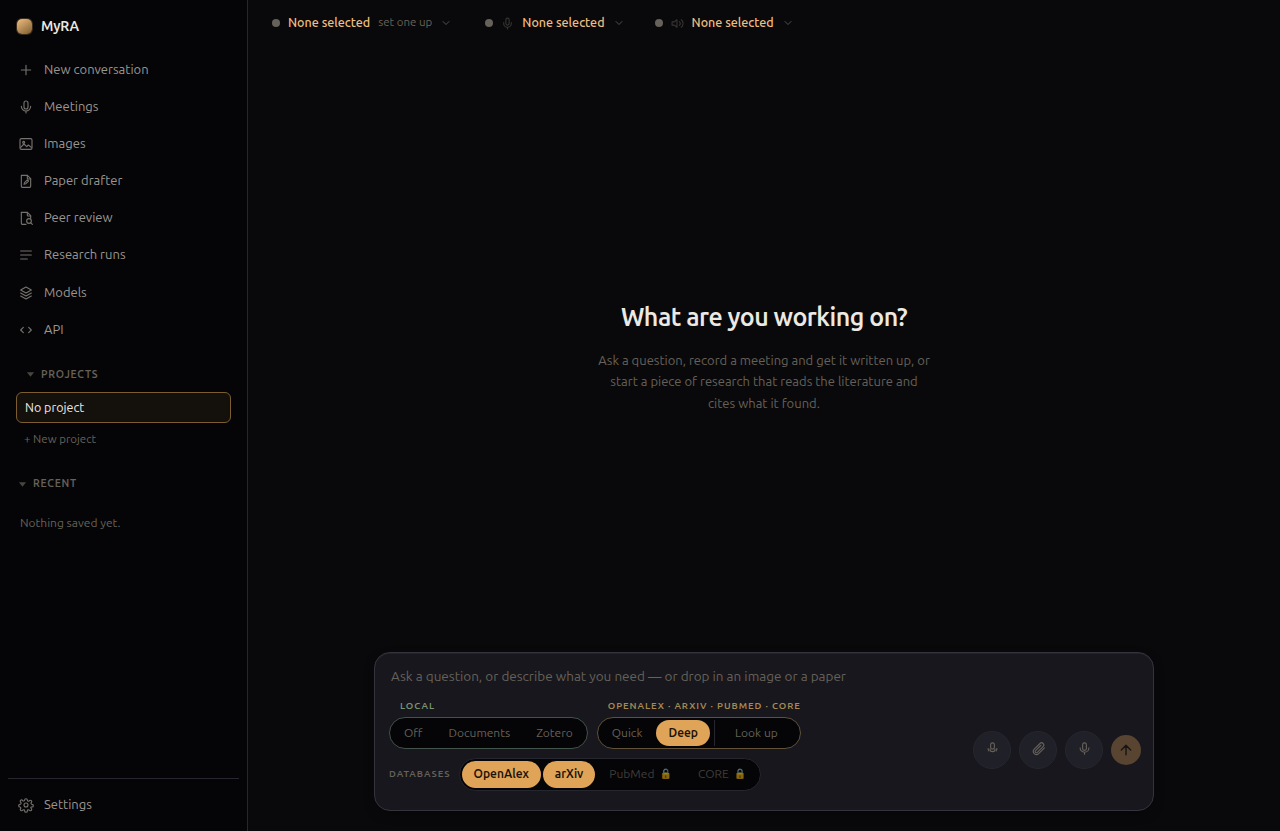
- Off — no tools at all, just the model. Not “prefers not to search”: the tool list sent to the model is empty, so there is nothing to call.
- Assistant — read and write in your documents folder, and keep your MyRA task list. Still no network.
- Zotero — everything Assistant does, plus a search of your Zotero library (see below). Zotero answers on this machine, so still no network.
- Quick — a handful of searches against the databases you’ve enabled, read and answered directly in the conversation.
- Deep — the full pipeline: scope, plan, discover, screen, snowball, retrieve, extract, synthesize, verify, review, revise. Produces a cited report, not just an answer.
- Look up — resolve a specific reference rather than run a search.
Quick and Deep are exclusive, not cumulative — Deep doesn’t do what Quick does plus more, it’s a genuinely different, slower process.
Databases
Scholarly search goes straight to the source APIs, not a general web search tool:
- OpenAlex and arXiv need no key and are on by default.
- PubMed and CORE need your own free key each, added in Settings → Database keys. A search that includes them sends your search terms and that key.
- Semantic Scholar is asked only whether a paper already found has an open-access PDF — it’s never a search target itself.
Deep research runs
A deep research run happens in stages, each one written to disk before the next starts — so a run can be resumed, and a long one surviving a restart doesn’t have to redo work it already finished.
Everything the pipeline asks you happens in its first two stages — scoping the question and approving the plan. After that, a run is meant to be started and left alone; it won’t stop partway through to ask something new.
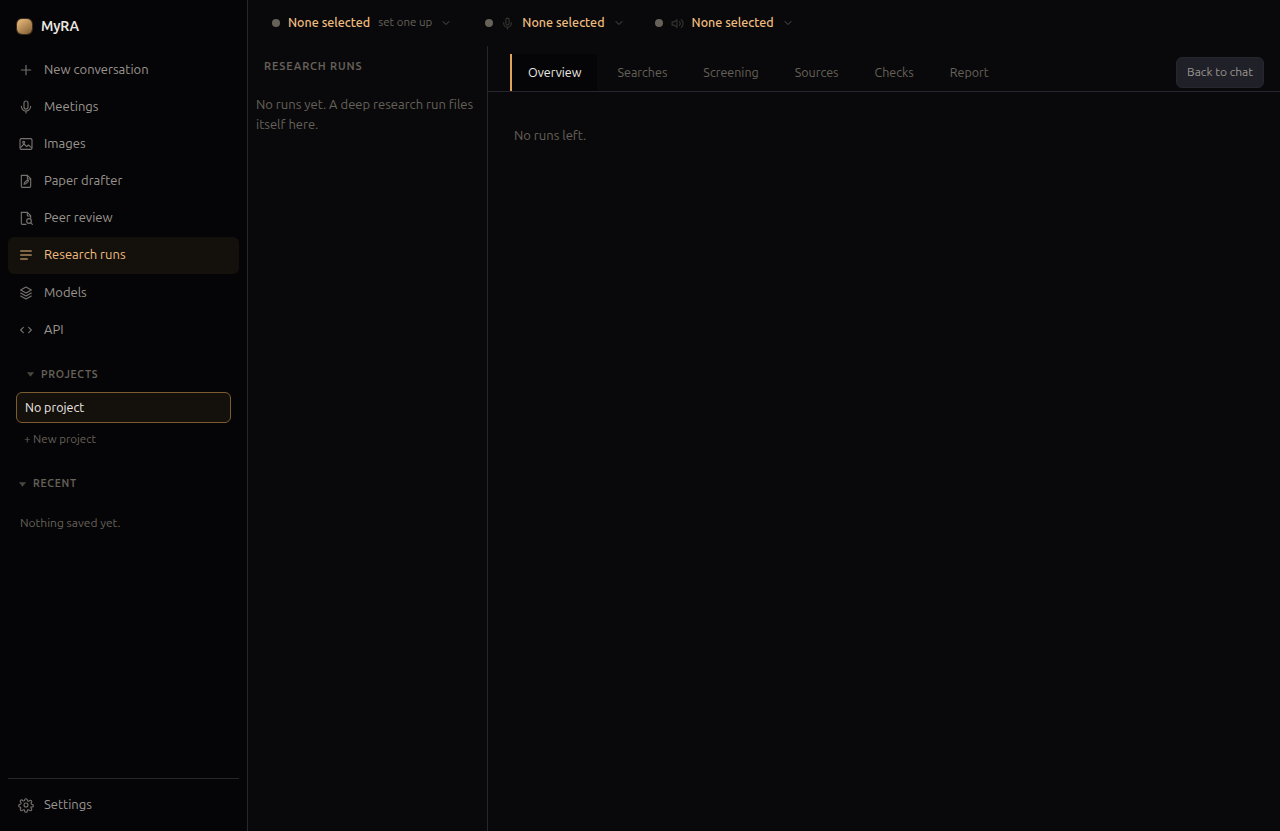
Track a run’s progress, or read a finished one, from Research runs in the left rail — each tab (Searches, Screening, Sources, Checks, Report) is one stage’s own output.
The Zotero library
If you use Zotero, MyRA can search your library directly — through Zotero’s local API when it’s running, or its database file otherwise — so your own collection is part of what deep research and Quick search draw on, alongside the open databases above. See Your library for linking specific collections to a project, and for the papers you upload directly.
A research project’s own notes
Open a research project and a deep run’s scoping step is shown the project’s settled notes — questions, aims, theory, methods, decisions, key literature — so it doesn’t ask again what the project already told MyRA. Every answer it draws still lands in the plan editor before anything expensive runs. See Projects for how those notes are built up.