Images
MyRA makes figures and illustrations from a description, and keeps them in a folder you own.
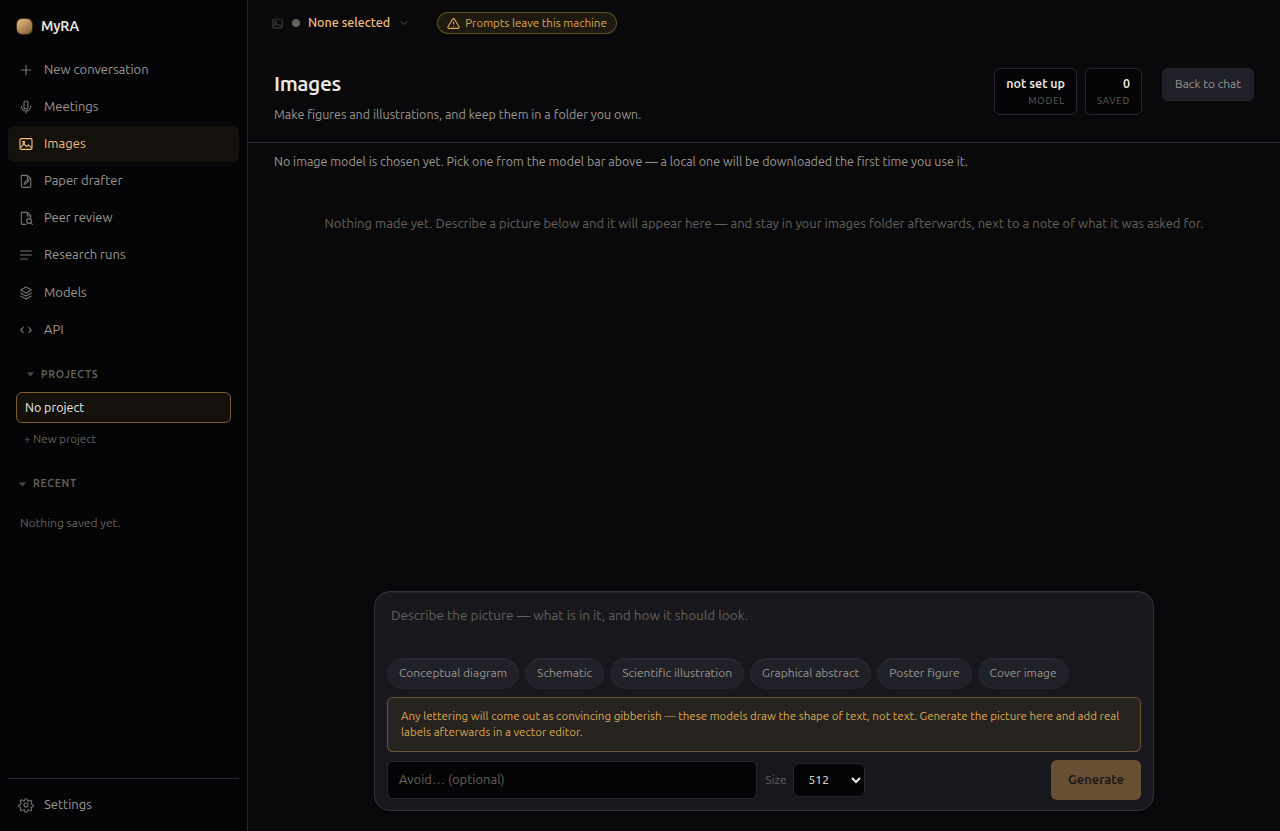
Making one
Describe the picture, optionally pick a shortcut (conceptual diagram, schematic, scientific illustration, graphical abstract, poster figure, cover image) to steer the style, and generate. One image generates at a time, deliberately — running two image passes at once is the same out-of-memory risk that meeting transcription avoids by working through audio serially.
Any lettering in a generated image will come out as convincing-looking gibberish — these models draw the shape of text, not the text itself. Generate the image here, then add real labels afterward in a vector editor.
Where they’re filed
Every image is saved into your images folder (set in Settings → Folders) beside a small note of what it was asked for — so a folder of generated figures stays legible months later, not just a pile of PNGs.
Model choice, and what leaves this machine
Pick the image model from the model bar, the same way you’d pick a speech model. A model from the bundled local runtime draws on this machine and the prompt never leaves it; a model from a provider you’ve added sends the prompt to that provider. The picker says which is which, and warns above any hosted option.